WhatsApp contact buttons and page-level targeting
Joinchat puts a WhatsApp contact button within reach on mobile and desktop, with settings that can vary by page or archive. On mobile, the button opens WhatsApp; on desktop, visitors can use WhatsApp Desktop or Web, or scan a QR code to continue on their phone.
Settings can be adjusted for individual posts, pages, products and custom post types, as well as category and tag archives. A notification balloon can draw attention to the button, while block-editor buttons and links or CSS-class triggers let you add contact actions in specific parts of a page. This suits sites that need more than one contact message or button placement.
CTAs and contextual WhatsApp messages
Joinchat lets sites shape both the prompt visitors see and the message that opens in WhatsApp.
- Rich Chat CTAs: Display message bubbles with links, buttons, images or randomized text for greetings, offers and other prompts.
- Start messages: Set a pre-filled WhatsApp message so visitors can begin with useful context.
- Dynamic variables: Insert details such as the current page title or URL, and WooCommerce product name, SKU, price or discount.
- Consent text: Explain contact conditions and make acceptance mandatory before a visitor can start a conversation, if required by your process.
WooCommerce product contact and conversion tracking
WooCommerce settings can tailor contact prompts to shopping context, while analytics options track button activity.
- Shop and product CTAs: Set separate prompts and start messages for the shop, product pages and sale products.
- Product buttons: Place a WhatsApp contact button beside Add to cart or elsewhere on the product page, including products without a price.
- Click counts: View a WhatsApp click counter in the WordPress dashboard; this gives site owners a direct activity measure.
- Analytics events: Send events to GA4, Google Tag Manager and Facebook Pixel, and configure Google Ads conversions. Sites using these tools can connect WhatsApp clicks to their existing measurement setup.
Premium channels, agents and automated chat
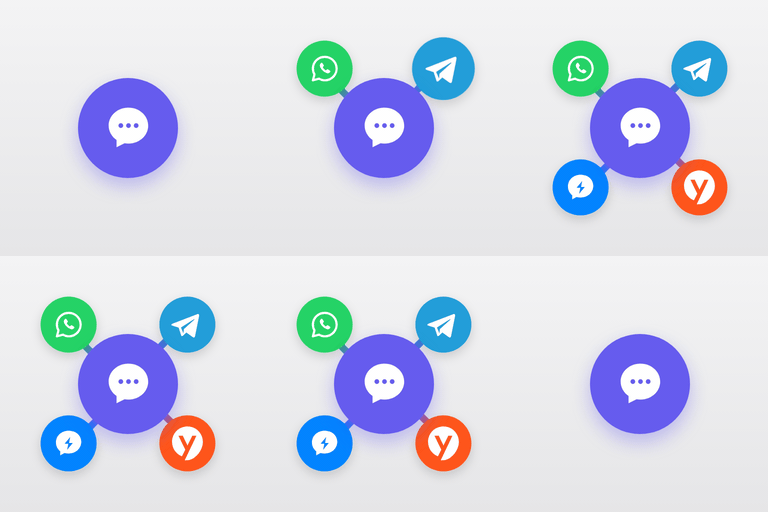
Premium and AI options add targeting, additional contact routes and automated conversation tools beyond the core WhatsApp button. Country-based visibility rules can tailor the button to visitors’ locations, and the widget can include channels such as Telegram, Facebook Messenger or phone calls. For teams, scheduled multi-agent routing directs chats to available staff and can show an alternative CTA when nobody is online.
Chat Funnels guide visitors through a conversation to qualify or capture leads, while an AI agent can be trained on FAQs and site content. These paid extensions are most relevant to businesses that need regional rules, team coverage or automated responses; check which options your workflow actually requires before choosing a plan.
A broad feature set with limited support evidence
Joinchat combines a wide range of free contact and conversion tools with paid extensions, but its support snapshot is too small to establish support quality. It is widely installed and has an excellent rating from a moderate number of reviews, and it was updated less than three weeks ago.
- Support signal: The snapshot shows one thread with no resolution recorded; that is worth noting, but too little evidence to treat as proof of either strong or weak support.
- Best fit: Consider it if you want page-aware WhatsApp contact, WooCommerce prompts or click tracking in one plugin.
- Trade-off to assess: Advanced channels, country targeting, agent schedules, Chat Funnels and AI are paid extensions, so confirm whether the free features cover your needs before adopting the broader toolkit.