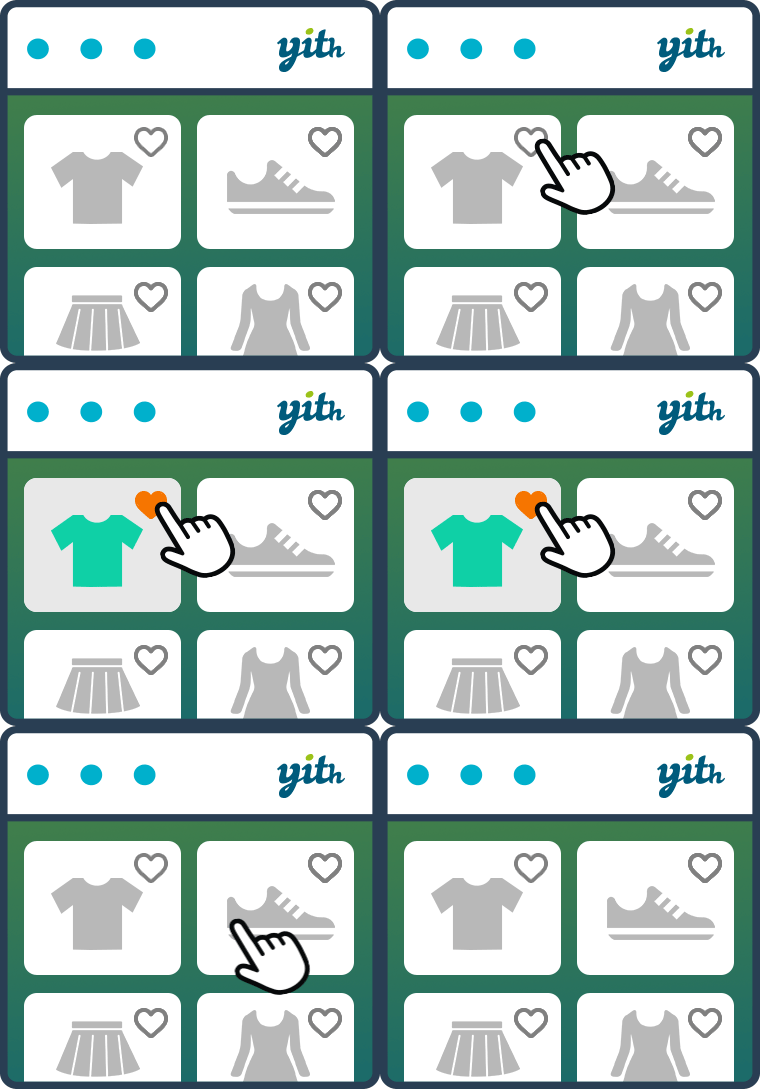
Adding and sharing product wishlists
The free version gives shoppers a place to save products and lets stores choose where wishlist controls appear. It supports product variations, so a selected size or color can be retained, and offers removal controls plus editable wishlist-table columns.
Buttons can appear on product pages and shop or product-loop pages. Sharing wishlists can help customers revisit items and introduce products to friends and family, so this setup suits stores where gift ideas or considered purchases matter.
Premium tools for managing wishlists and encouraging purchases
Premium extends the wishlist from a customer-facing save list into a set of store-management and sales tools.
- Customer insight: View wishlists from logged-in customers and see popular products added to wishlists.
- Promotions and quotes: Email customers about products on their lists, or let them submit a wishlist for a quotation with optional notes.
- Multiple lists and visibility: Customers can create, rename, delete, search and manage lists, setting each as public, private or shared.
- Item management: Set quantities, move products between lists and drag items into a preferred order.
- Purchase options: Add multiple cart buttons to the wishlist table and display product price variations.
- Presentation and discovery: Choose wishlist layouts and provide widgets to help customers find registered wishlists.
Wishlist page and button customization
The documented controls cover button placement and appearance, plus several ways to address common wishlist-page issues.
- Button display: Move the add-to-wishlist button to another default position or add it through a shortcode; choose a link or button style and adjust colors or custom CSS.
- Page template: Override the wishlist page by placing
wishlist.php in the theme’s woocommerce folder; this is useful when the default layout needs theme-specific changes.
- Price column: Hide product prices in the wishlist table through the Wishlist Page Options.
- Troubleshooting: If the wishlist page returns a 404, save the permalink settings again. If an update causes display anomalies, check for theme template overrides or a theme compatibility update.
A recently updated plugin with support follow-through to check
The plugin combines a mixed rating and moderate review volume with a recent update, but its support figures leave follow-through uncertain.
It was updated within the last week, which points to active maintenance. However, five support threads and a 0% resolution rate offer limited evidence of support outcomes; stores relying on help should check recent forum activity before adopting it.